Your LinkedIn profile photo is the most viewed professional photo of you that exists. Recruiters spend an average of 7 seconds scanning a profile, and the photo is the first thing they see. It's also the thumbnail that appears every time you comment, post, or send a connection request.
And yet, most people are using a cropped vacation photo, a five-year-old selfie, or (worst case) no photo at all. Profiles without photos get 21x fewer views according to LinkedIn's own data.
I shoot headshots every week, and the difference between a thoughtful headshot and a phone selfie is massive. Here's what actually matters.
Background: Keep It Simple
The background should support you, not compete with you. The best LinkedIn headshots use one of three approaches:
Solid or gradient backdrop. Clean, professional, works for any industry. I typically shoot on gray, navy, or dark charcoal for corporate clients and lighter tones for creative professionals. Blurred environment. An office, a wall of greenery, an urban setting, all slightly out of focus so you remain the sharp subject. This adds context without distraction. Outdoor natural light. Open shade with a clean background. This works particularly well for real estate agents, entrepreneurs, and anyone in a client-facing role where approachability matters.What to avoid: busy patterns, other people visible in the background, anything that makes someone guess where you are instead of focusing on you.
Expression: Approachable Beats Serious
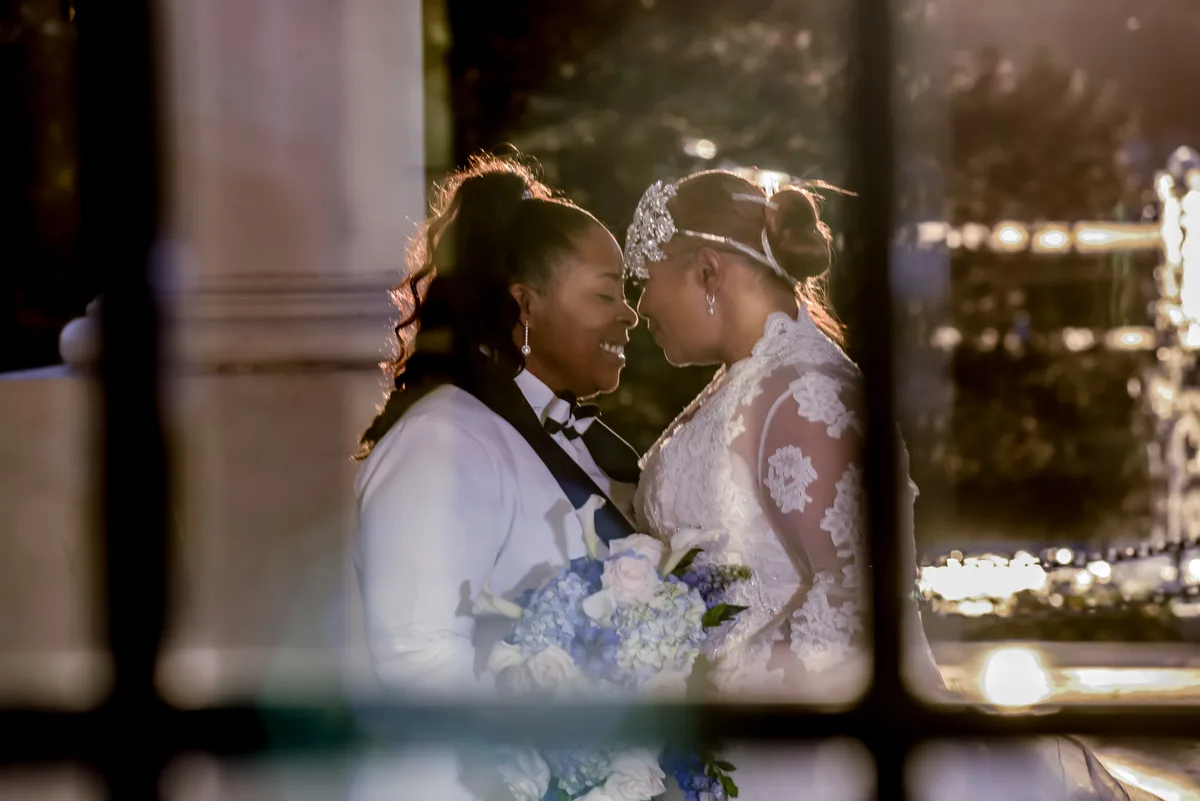
The biggest mistake I see is people trying to look "professional" by looking stern. On LinkedIn, approachable performs better than intimidating. A slight, genuine smile (the kind where your eyes engage, not just your mouth) consistently gets the best response.
I tell clients: think about someone you like walking into the room. That's the expression. Not a forced grin, not a poker face. Warm, confident, present.
Industry nuance: If you're a lawyer or financial advisor, a composed, confident expression works well. If you're in sales, marketing, or a creative field, a bigger smile reads as energetic and personable. Match the expression to your audience.Clothing: Dress One Step Above Your Daily
Wear what you'd wear to an important client meeting, not a black-tie event, not your work-from-home hoodie. For most professionals, that means:
- Solid colors photograph best. Navy, charcoal, white, black, deep green, burgundy.
- Avoid busy patterns. Thin stripes, small checks, and complex prints create visual noise, especially at thumbnail size.
- Neckline matters. V-necks and collared shirts frame the face well. Crew necks can look casual or boxy depending on the fabric.
- Fit is everything. A well-fitted blazer looks better than an expensive ill-fitted one. If something bunches at the shoulders or gaps at the collar, it shows.
- Bring options. I tell every client to bring 2-3 tops or outfits. We'll try them on camera and pick what looks best.
Why Professional Beats a Selfie
I know what you're thinking. Phones have great cameras now, why not just take a selfie? Here's the difference:
Lens distortion. Phone cameras at arm's length use a wide-angle lens that distorts facial proportions. Your nose looks bigger, your face looks rounder, and the edges of the frame stretch. A professional headshot uses an 85mm or longer lens that compresses features naturally and flatters face shape. Lighting control. I use off-camera lighting to sculpt the face, adding dimension, minimizing under-eye shadows, creating a catchlight in the eyes. Your bathroom vanity light creates flat, unflattering illumination. Background separation. A professional lens at the right aperture creates that smooth, blurred background that makes you pop off the screen. Phones simulate this with portrait mode, but the edge detection is imperfect, and you'll see halos around hair and ears. Consistency. If your company has a team page, matching headshots with consistent style, lighting, and backgrounds look polished. A mix of selfies and random crops looks unprofessional.
Quick Checklist Before Your Session
- [ ] Get a haircut a week before (not the day of, give it a few days to settle)
- [ ] Moisturize the morning of. It reduces shine and smooths skin texture
- [ ] Bring a lint roller for dark clothing
- [ ] Avoid heavy jewelry that draws the eye away from your face
- [ ] If you wear glasses, clean them thoroughly and bring a backup pair if possible
- [ ] Get a good night's sleep. Exhaustion shows in photos more than you'd think
How I Run Headshot Sessions
My headshot sessions are designed to be fast and comfortable. Most individual sessions take 20-30 minutes and produce 15-20 final edited images. I shoot in my studio or on-location at your office, whichever makes more sense.
For companies, I offer team sessions where I set up at your office and cycle through employees. It's efficient and keeps visual consistency across the whole team.
Every image is professionally retouched. Not airbrushed into oblivion, just cleaned up. Stray hairs, minor blemishes, under-eye circles, wrinkled collars. You look like you on your best day.
Book a professional headshot session